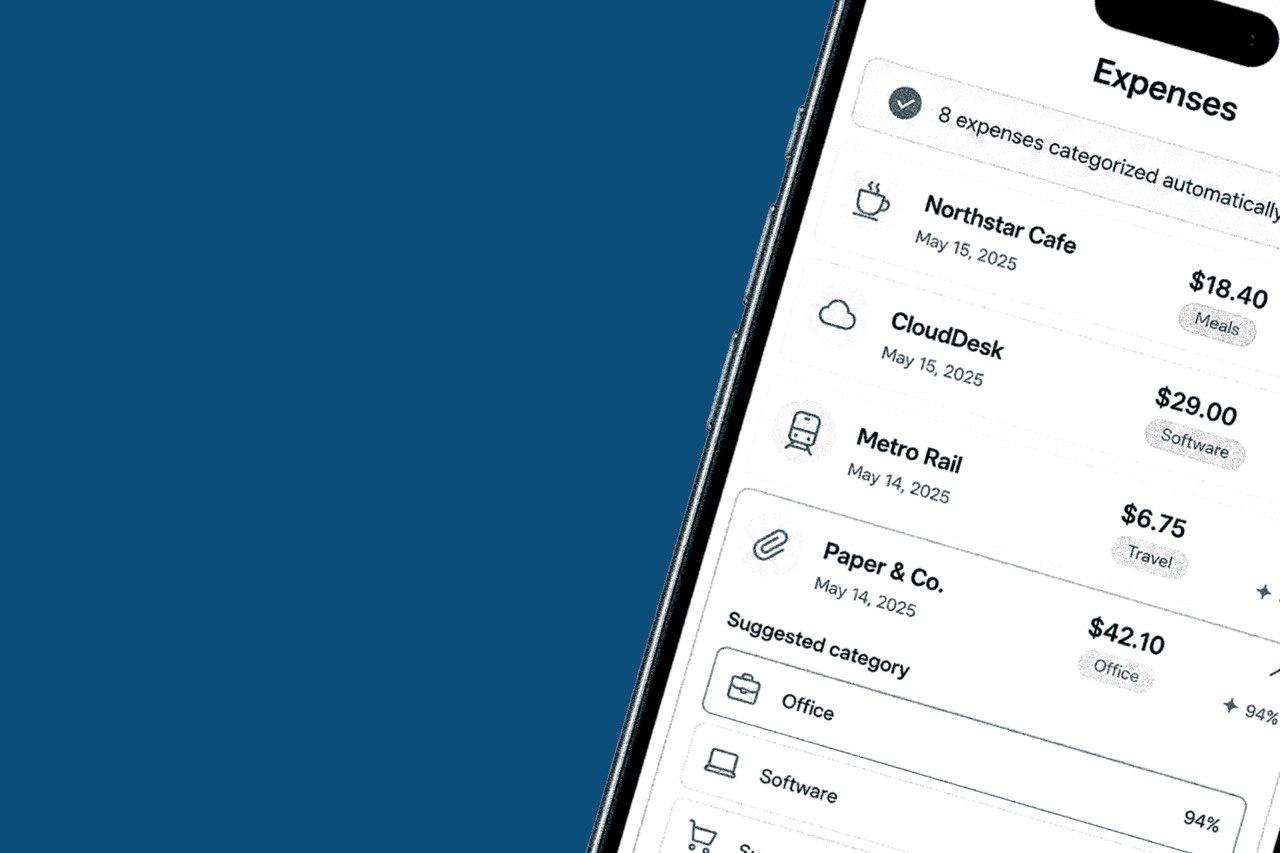
Best expense tracker for freelancers
A freelancer expense tracker has one job: get receipts out of your pocket and into a report you can send. If it takes a weekend to stay current, it is the wrong tool.
What actually matters
Look for mobile receipt scanning, automatic categories, exports for tax and client billing, and a price that makes sense for one person. Team features can wait until you hire.
A practical checklist
- Scan a receipt with your phone and get merchant, date, and amount without typing.
- Categories that learn from your spending instead of a 200-item chart of accounts.
- Reports you can export for an accountant or attach to an invoice.
- Budget alerts so a software stack does not quietly overrun the month.
- A free or starter plan you can try before you pay for team seats.
Where Vomoi fits
Vomoi is built for that freelance workflow: scan, categorize, report, then sync to QuickBooks, Xero, or FreshBooks if you already close the books there.
- Skip tools that assume you have an AP department.
- Skip tools that still make you type every line from a photo.
- Keep whatever you pick close enough to use on the day you spend.
"The best tracker is the one that is already filled in before Friday."
Conclusion
Choose an expense tracker that scans receipts, keeps categories simple, and exports a report you can send. That is the bar for freelance work, and it is the bar Vomoi is built around.